01
Guided Agreement Creation
Professional agreements. Built simply.
Discover and buy quality tools
Agreement Builder is a simple, privacy-focused MicroApp that helps you create professional agreements using guided forms and reusable information. Choose the agreement you need, enter the details, review the completed document, and generate a polished PDF ready to share. No accounts to create. No subscription. No complicated contract-management system. Just a practical tool for creating agreements quickly and consistently.
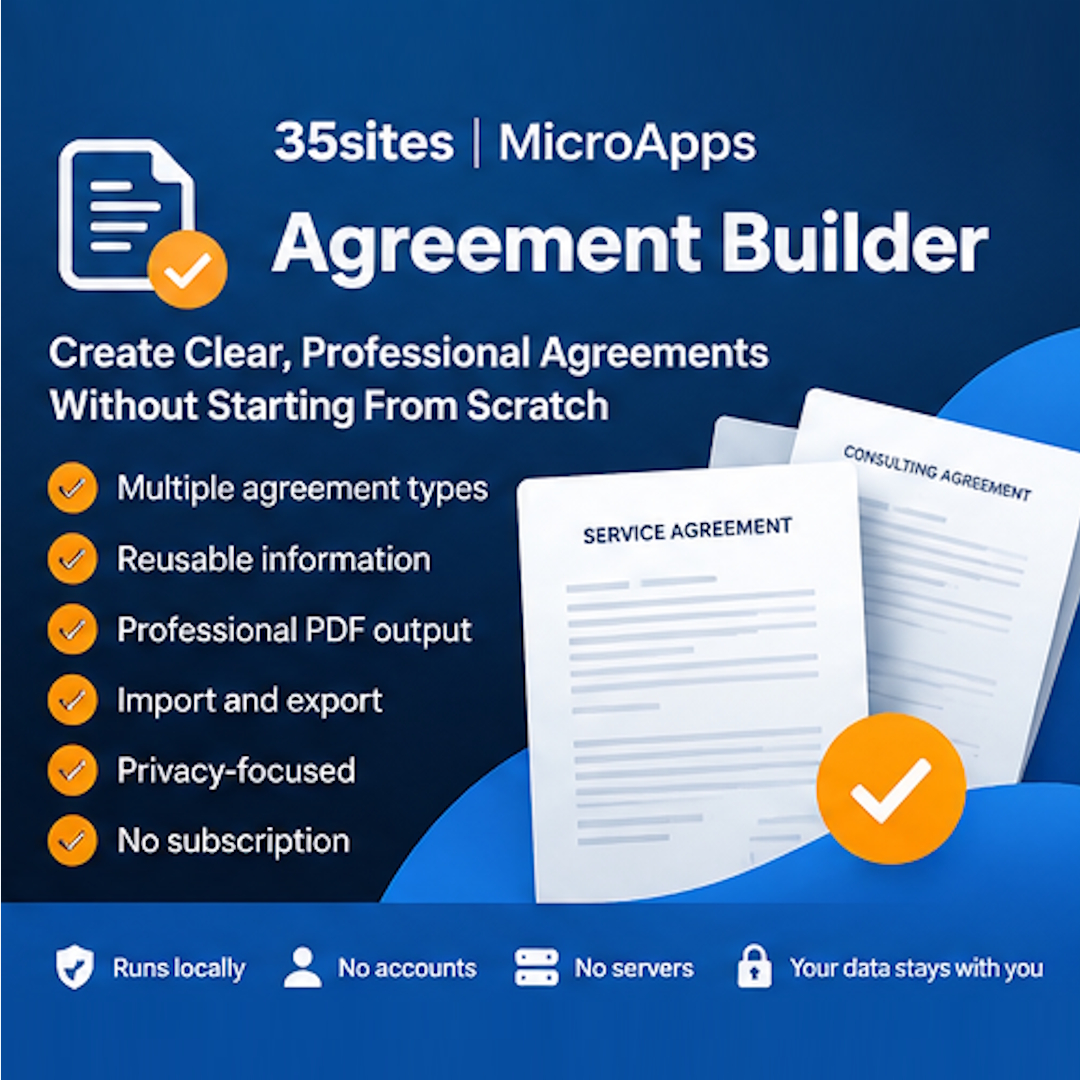
Agreement Builder was created for independent consultants, freelancers, small businesses, and professionals who need to create agreements without rebuilding the same document every time. Instead of copying an old contract, searching for the right version, and manually replacing names, dates, rates, and terms, Agreement Builder gives you a structured way to create the document. Common information can be retained as you move between agreement types, reducing repetitive entry and helping keep documents consistent. When the agreement is ready, you can generate a professionally formatted PDF with document identification, date and time, page numbering, and representative information. Agreement Builder follows the MicroApps philosophy: focused software that does one job well without unnecessary complexity.
Professional agreements. Built simply.
Professional agreements. Built simply.
Professional agreements. Built simply.
Professional agreements. Built simply.
Professional agreements. Built simply.
Professional agreements. Built simply.
Frequently Asked Questions
No. Each MicroApp is delivered as a standalone HTML file. Save the file to your computer and double-click to open it in any modern desktop web browser. There are zero servers to configure and no installers required.
Yes. Core functions—including creating records, managing templates, reviewing history, and generating reports—run client-side without an active network connection. Internet access is only needed to download updates or dispatch emails over your network.
Your records reside exclusively in your browser's private local storage. Data never leaves your device and is never transmitted to servers or third-party cloud platforms.
Yes. You can use the built-in Export JSON function to save a portable file containing your entire workspace. Open the MicroApp on your new computer or browser and click Import JSON to restore your records instantly.
By default, MicroApps use your operating system's native email client via standard mail links. The application prepares your message, addresses it, and opens it directly in your mail software for final review before sending.
MicroApps are designed for modern desktop versions of Google Chrome, Apple Safari, Mozilla Firefox, Microsoft Edge, and Brave.
Application updates will be communicated to all buyers and are provided free of charge. Because your application data resides in your browser and is separate from the HTML file, simply export a JSON backup, download the latest version, and continue working.
Ready to get Agreement Builder? Buy once and get lifetime access to this digital product.