01
One-time purchase
Built for independent operators who value privacy and simple billing
Discover and buy quality tools
Billing Pulse gives solo operators, consultants, and boutique agencies full visibility over client retainer balances, milestone drawdowns, ad-hoc billings, and payment receipts—directly from your web browser with zero subscriptions.
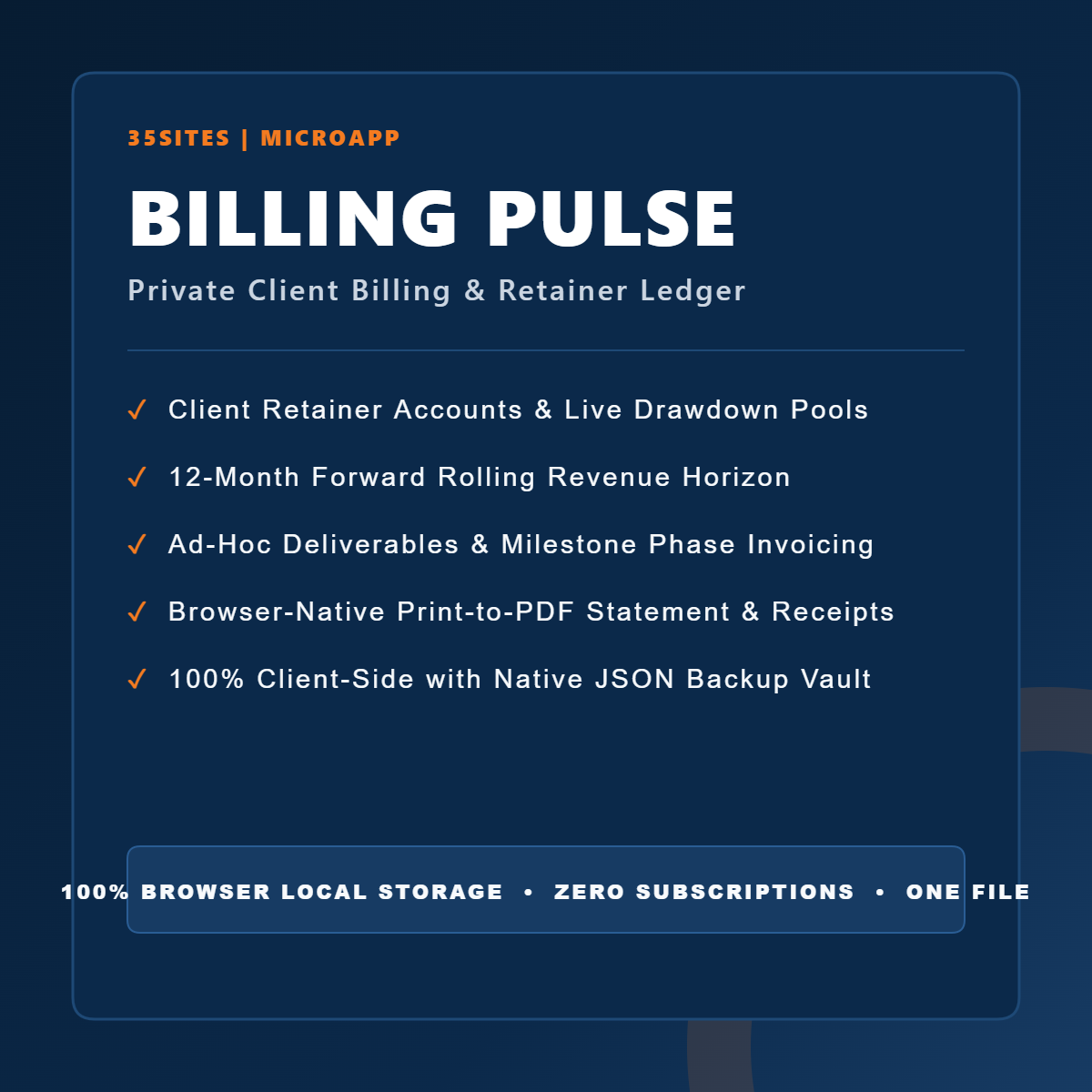
Standard invoices track what is owed. Billing Pulse tracks the retainer pool. Consultants and service professionals often manage recurring client retainers, drawdown hours, and phased deliverable milestones. Traditional cloud invoicing tools hide these vital balances behind expensive recurring software fees. Real-Time Drawdowns: Deduct project milestones directly from active retainer funds. Replenishment Warnings: Identify depleted client balances before commencing new deliverable phases. Ad-Hoc Invoicing: Log one-off tasks, consulting calls, and out-of-scope line items cleanly. 12-Month Revenue Horizon: Forecast upcoming billings and recurring retainers across each upcoming month. More reliable than spreadsheets. Simpler than enterprise accounting suites. Billing Pulse is purpose-built for independent consultants, advisory firms, fractional executives, and boutique agencies who bill on retainer and want clean ledger control without administrative bloat. There are no chart-of-accounts setups, banking sync feeds to debug, or recurring software fees to justify. It runs 100% locally on your machine.
Built for independent operators who value privacy and simple billing
Built for independent operators who value privacy and simple billing
Built for independent operators who value privacy and simple billing
Built for independent operators who value privacy and simple billing
Frequently Asked Questions
No. Each MicroApp is delivered as a standalone HTML file. Save the file to your computer and double-click to open it in any modern desktop web browser. There are zero servers to configure and no installers required.
Yes. Core functions—including creating records, managing templates, reviewing history, and generating reports—run client-side without an active network connection. Internet access is only needed to download updates or dispatch emails over your network.
Your records reside exclusively in your browser's private local storage. Data never leaves your device and is never transmitted to servers or third-party cloud platforms.
Yes. You can use the built-in Export JSON function to save a portable file containing your entire workspace. Open the MicroApp on your new computer or browser and click Import JSON to restore your records instantly.
By default, MicroApps use your operating system's native email client via standard mail links. The application prepares your message, addresses it, and opens it directly in your mail software for final review before sending.
MicroApps are designed for modern desktop versions of Google Chrome, Apple Safari, Mozilla Firefox, Microsoft Edge, and Brave.
Application updates will be communicated to all buyers and are provided free of charge. Because your application data resides in your browser and is separate from the HTML file, simply export a JSON backup, download the latest version, and continue working.
Ready to use Billing Pulse ? Buy once and get lifetime access to this digital product.